
Affiliate Dashboard
Check your tier and upcoming qualification dates, view commissions separately by token, and review estimated tier-related missed commissions. Download one-time calendar reminders to help you plan ahead.
Open affiliate dashboard →
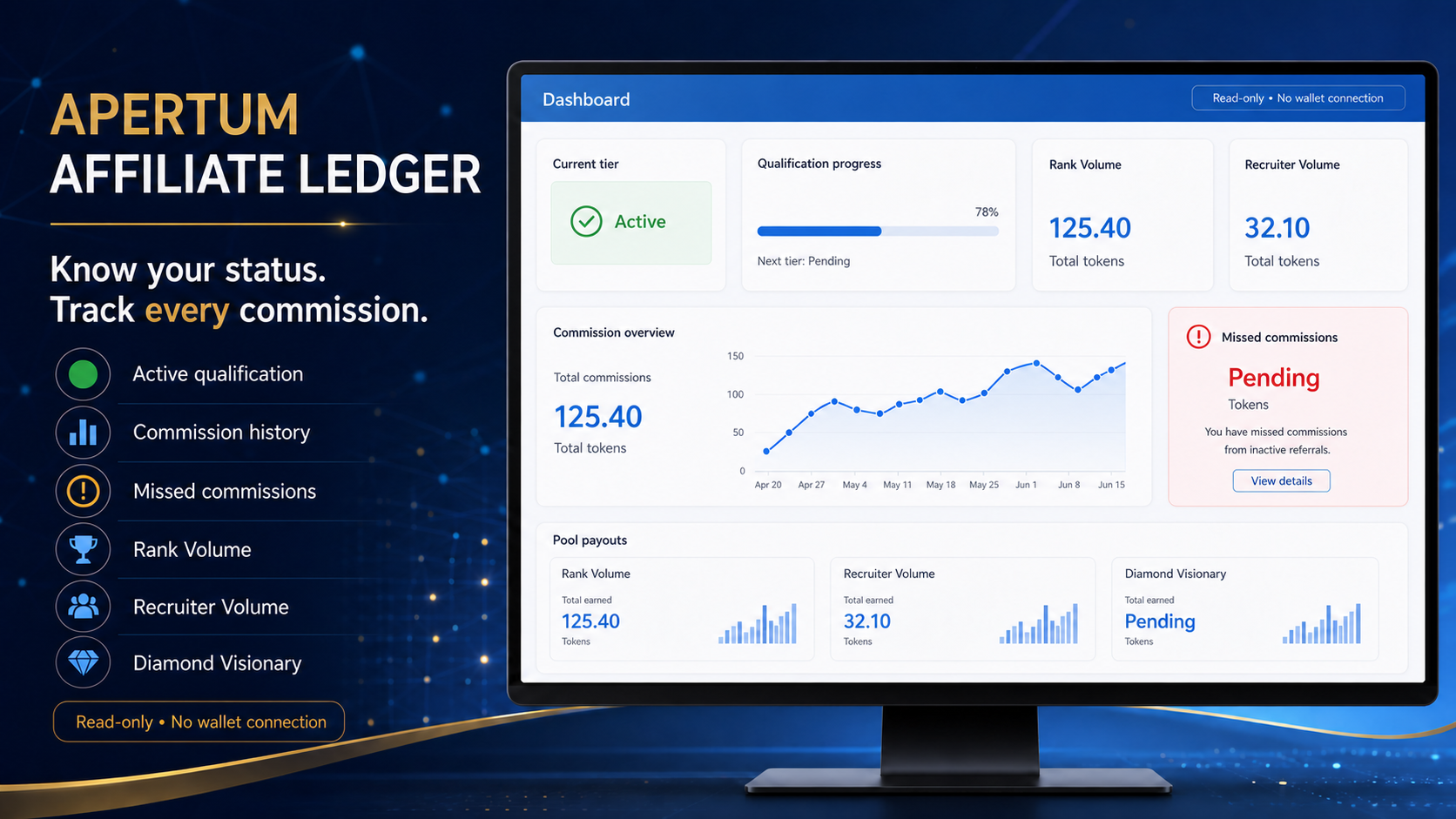
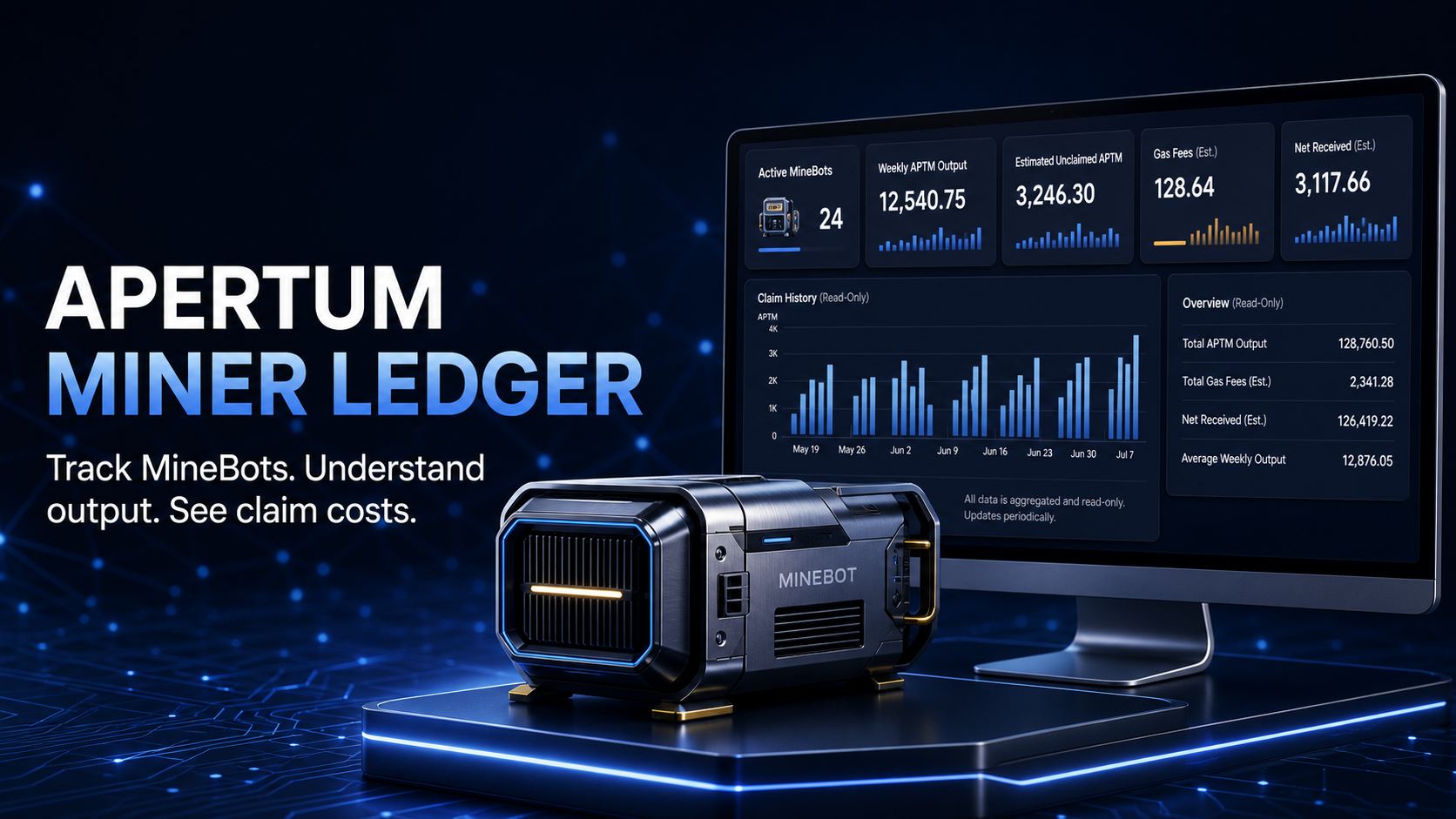
Check your MineBot rewards and claim costs, or understand your affiliate commissions and qualification deadlines. Start with a public wallet address.
aptmdao.com is an independent community site. The official Apertum DAO website is aptmdao.io. Always verify official apps before using them.
Always verify a website before opening it or connecting a wallet. No genuine support agent needs your private key or seed phrase—never share them by message, email, form, or screen share.
Enter a public wallet address to read useful on-chain information. These tools never ask you to connect a wallet.
Check your tier and upcoming qualification dates, view commissions separately by token, and review estimated tier-related missed commissions. Download one-time calendar reminders to help you plan ahead.
Open affiliate dashboard →
See your MineBots, available rewards, and estimated claim fees. Choose a fee target to see how many claims fit, your estimated net reward, and the balance left afterward.
Open miner dashboard →
Public figures from the Apertum Explorer, refreshed periodically. For the full picture, open the official statistics page.
View all network stats ↗These destinations are provided for convenience. Compare them with the official verified-app directory before using any web app.
Use the Explorer’s verified-app list as your starting point.
Never disclose a seed phrase or private key to anyone.
Imitators may contact you on Telegram, email, or other platforms.
Check the site, network, address, amount, and wallet prompt carefully.